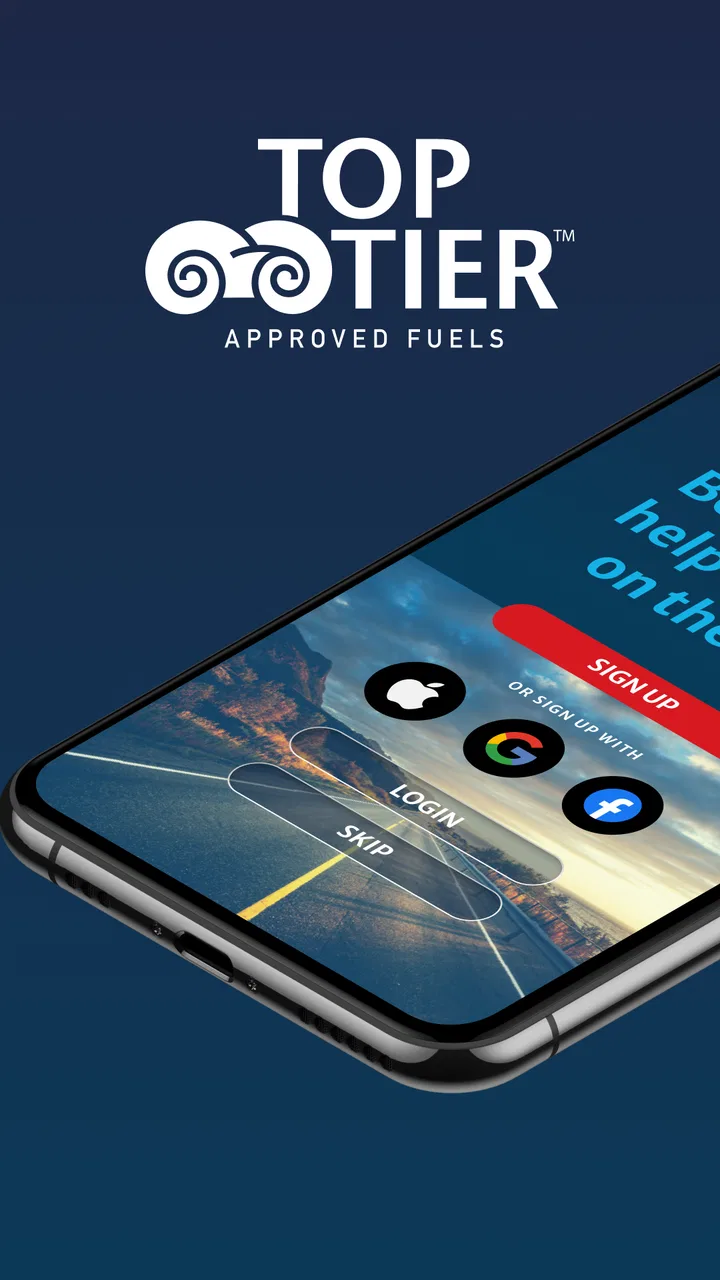
TOP TIER™ Station Finder
- 3.2
- Rating
- 50.00K
- Installs
- Free
- Price
 Analysis by App-foxy
Finding the right fuel stop is not always as simple as pulling into the first station I see. When I care about the fuel going into my vehicle, the harder part is often locating a suitable station along an unfamiliar route. TOP TIER™ Station Finder is built around that specific problem: it helps drivers look for stations associated with TOP TIER™ fuel while they are planning a trip or already on the road. I found the idea useful because it focuses on a practical decision rather than trying to become a complete driving assistant.
This is a free Auto & Vehicles app from Top Tier Fuels, available for Everyone and compatible with Android devices running version 7.0 or later. It was released on October 1, 2024, and the current version is 1.11. Its central promise is straightforward: make it easier to identify a nearby TOP TIER™ Station when fuel quality is part of my purchasing decision.
How the station search feels when connectivity matters
The app is most useful when I treat it as a connected lookup tool rather than a replacement for a full navigation service. A station finder needs current location or map information to be genuinely helpful, and that makes the quality of the experience depend heavily on the connection available at the moment I need it. In a strong coverage area, checking nearby options can be a quick step before I continue driving. In a weak-signal area, the same task can become less predictable.
You May Also Like

 Google Keep - Notes and lists
Google Keep’s Quiet Growth Shows the Appeal of Simpler Notes
As mobile work gets busier, Google Keep keeps winning a simple contest: capture a thought quickly, find it later, and get on with the day.

 Blood Strike: 2.5 Anniversary
Blood Strike’s Loadouts Turn Every Drop Into a Tactical Gamble
A close look at Blood Strike’s custom loadouts: how fast access to signature weapons reshapes its battle royale rhythm, rewards preparation, and narrows the gap between fights.

 Pandora - Music & Podcasts
Pandora’s Music Is Easy to Start, but Harder to Recover
Pandora’s strength is its low-effort path from a seed to a station. Its weak spot is how much confidence it asks you to place in connection, setup, and quiet recovery.

 8 Ball Pool
 Is Built on Rivalries, Rematches, and Routine
A close look at the rivalries, rematches, shared routines, and unanswered safety questions that turn a quick pool match into a persistent mobile community.

 Samsung Music
’s Quiet Strength Is Playing What You Already Own
Its reach comes less from spectacle than from dependable access to a personal library. That simplicity is both the app’s strongest retention engine and its ceiling.

 AccuWeather: Weather Radar
AccuWeather Review: A Quick, Clear Forecast for Everyday Decisions
For everyday plans, the best forecast is the one you can understand quickly. AccuWeather makes rain timing, radar, and local conditions easy to act on, with a few trade-offs.
More From Our News Desk



That distinction matters on long journeys. I might be stopped at a rest area with a reliable connection and have enough time to identify a suitable station before leaving. Alternatively, I might open the app after passing an exit, while moving through a rural stretch where the phone is struggling to communicate. The first situation is where this app makes the most sense: use it during a deliberate pause, then follow the route with the navigation tool I already trust.
I would not use it as my only source of direction. A dedicated navigation app is usually better at turn-by-turn guidance, traffic conditions, lane changes, road closures, and arrival estimates. The strength here is narrower and more useful when understood correctly: it helps me investigate fuel locations that match the TOP TIER™ requirement, while another app can handle the actual driving instructions.
There is also a small but important planning advantage. Before starting a long drive, I can check the route for possible fuel stops instead of waiting until the tank is nearly empty. That gives me more control when stations are spread out or when I am traveling through a place I do not know. I prefer making that decision while parked, because it reduces the temptation to interact with the phone while driving.
What I would do before leaving home
My most reliable workflow is to open the finder before departure, search around the first part of the journey, and note a couple of possible stopping areas. I would then switch to my usual navigation app for the trip itself. This two-app approach may sound less convenient than using one all-purpose product, but it separates the jobs cleanly: TOP TIER™ Station Finder helps with the fuel choice, while navigation software manages the road.
A second useful habit is checking again after a major route change. If I decide to take a different highway, detour around congestion, or extend the trip, the best fuel stop from the original plan may no longer be practical. A quick lookup while parked can prevent me from relying on an outdated assumption. The app is therefore more valuable as a decision checkpoint than as something I keep open continuously.
For a realistic everyday example, imagine leaving work with a low tank and driving to visit family in another city. I would not wait until the warning light appears. I would stop somewhere safe, use the finder to identify a TOP TIER™ Station near the route, compare that location with the distance I can comfortably drive, and then send the destination to my navigation app if needed. That workflow keeps the fuel search focused and avoids expecting one small utility to do everything.
Using it in different mobile situations
The app fits best into moments when I am stationary: at home while planning, in a parking lot before joining the highway, or at a safe roadside stop. It is less comfortable when I am already driving and trying to make a quick choice under pressure. Even if the interface is simple, a driver should not be searching while moving. The practical value comes from preparation, not from encouraging more phone use behind the wheel.
On a city trip, I might use the finder when I know I will be near several stations and want to choose one that meets my preference. In that context, I can afford to check the map, consider the direction of travel, and decide whether a slightly farther stop is worth the extra distance. On a highway journey, the decision is different: the closest matching station may be more important than the most convenient brand location, especially if the next opportunity is far away.
This is one of the app’s trade-offs. A broad fuel-price app may be more attractive to someone whose first concern is spending less at the pump. A full navigation app may be better for someone who simply wants the nearest open station. TOP TIER™ Station Finder is aimed at a driver who gives fuel standard preference a meaningful place in the decision. If that is not part of my criteria, the narrower focus may feel unnecessary.
I also appreciate that the app is not presented as a complicated ownership platform. I can approach it with one question: where can I find a relevant station? That makes it easier to fit into a short travel routine. At the same time, a focused purpose means I should not expect the broader trip-management features found in navigation, fuel-budgeting, or vehicle-maintenance apps.
What happens when the connection is weak
Connectivity is the main practical condition I would keep in mind. A station finder depends on the phone being able to retrieve or present location information at the time of the search. When the signal is poor, I would expect the process to be less dependable than it is in a well-connected town, so I would avoid making the search at the last possible moment.
The safest recovery strategy is simple: search earlier. If I know I am about to enter a remote area, I would check for a suitable stop while the connection is stable and while I still have enough fuel to change plans. I would also keep the vehicle’s range in mind rather than assuming that a station will appear exactly when needed. This is not a criticism unique to this app; it is a basic limitation of relying on live mobile information during travel. Still, the app’s focused role makes advance planning especially important.
If a search does not immediately give me a useful result, I would first move to a safe location with better reception rather than repeatedly tapping while roadside. I would also try broadening the search area or checking the route in my navigation app. That fallback matters because finding a station and reaching it are separate tasks. Even when the finder helps identify an option, road access, direction, and current travel conditions still need attention.
Another sensible recovery step is keeping the app updated. The current version is 1.11, and staying on the available version is a reasonable way to avoid using an older build when I depend on the tool during a journey. I would update before a major trip, preferably over a dependable connection, rather than waiting until I am already traveling.
The app’s average rating is 3.1 from around 78 ratings, with 48 written reviews. I read that as a sign to keep expectations practical: this is a useful specialized utility for the right driver, not an app I would install assuming every trip will be effortless. A focused tool can still be worthwhile even when the overall reception is mixed, but I would test it near home before depending on it during an unfamiliar journey.
Keeping the search sensible on mobile data
I would not describe this as an app that needs constant attention. The most data-conscious way to use it is to open it only when I have a specific question, perform the lookup, and close it once I have chosen a station. That is more efficient than repeatedly refreshing the map while driving or leaving the finder active for the entire trip.
Planning at home over Wi-Fi is another practical habit. I can inspect likely stops before leaving, decide where I want to refuel, and reduce the number of searches made on cellular data. This is especially useful before a long journey through areas where coverage may change. It also gives me time to compare the station’s position with the route instead of making a rushed choice later.
I would still confirm the final route in my navigation app, because a station that looks close on a map may be inconvenient from my direction of travel. A divided road, a missed exit, or a long turnaround can turn a short map distance into a frustrating detour. The finder answers the fuel-standard question; it does not replace my responsibility to judge whether the stop fits the journey.
There is a useful distinction between saving phone data and saving time. Checking fewer times may reduce data use, but checking too early and refusing to verify a changed route can create a longer drive. My preferred balance is one planning search, one confirmation after a significant detour, and no interaction while the vehicle is moving. That approach keeps the app purposeful without turning it into a background travel companion.
Who will get the most from this focused tool?
I think the best audience is drivers who deliberately look for TOP TIER™ fuel and want a dedicated way to locate participating stations. It can also help people who travel between towns, commute across unfamiliar areas, or want to build a refueling plan before a road trip. Because it is free, the barrier to trying it is low, and the Everyone rating makes it suitable for a broad range of general users.
It is less compelling for someone who chooses fuel solely by price, distance, or brand familiarity. In that case, a fuel-price tracker or the nearest-station search inside a navigation app may provide a faster answer. I would also skip relying on it alone if I need advanced route planning, live traffic, detailed station amenities, or a complete record of fuel spending. Those needs belong to broader tools.
The Android requirement is also worth checking before installation. Devices running Android 7.0 or newer meet the stated minimum, which covers many older phones, but anyone using an older handset should verify compatibility before planning around the app. On a supported phone, the small installation footprint of a specialized finder is appealing because it does not ask me to replace the other driving tools I already use.
Top Tier Fuels has kept the concept easy to understand: locate stations connected with its fuel standard. That clarity is a strength, but it also defines the limits. I would recommend it as a companion utility, not as a universal answer to every question that comes up at a gas station or during a road trip.
My connectivity verdict
After looking at how it fits into real travel, I see TOP TIER™ Station Finder as a practical niche app whose value rises when I plan ahead. Its best moment is not while I am rushing down the highway; it is before departure or during a safe stop, when I have a stable connection and enough fuel to make a sensible decision.
The key lesson is to treat connectivity as part of the workflow. Search before entering a weak-signal area, use a separate navigation app for the route, and keep a backup plan when the next station matters. I would also avoid assuming that a map lookup alone guarantees an easy arrival. The app can narrow the choice, but I still need to consider direction, distance, and the condition of the journey.
For drivers who specifically want to find TOP TIER™ Stations, the focused approach is worthwhile, especially at no cost. For drivers who mainly want the cheapest fuel, live traffic, or all-in-one navigation, another app will probably be more useful. My recommendation is therefore conditional but positive: install it if fuel standard is part of how you choose where to stop, test it near your usual routes, and use it as a connected planning aid rather than a tool to operate continuously on the road. Its real strength is making a focused fuel decision before that decision becomes urgent.
FAQs for TOP TIER™ Station Finder
01What is TOP TIER™ Station Finder?
TOP TIER™ Station Finder is an app designed to help users locate gas stations that provide TOP TIER™ certified fuel. This certification ensures that the fuel meets specific standards for quality and engine performance, offering benefits such as cleaner engines and better mileage.
02How do I use the TOP TIER™ Station Finder app?
Using the app is straightforward. Simply open it and allow location access. The app will then display nearby stations that offer TOP TIER™ certified fuel, complete with addresses and directions. You can also search for stations in different areas by entering a city or zip code.
03Is the TOP TIER™ Station Finder app free to use?
Yes, the TOP TIER™ Station Finder app is completely free to download and use. There are no hidden fees or in-app purchases required to access its features, making it an accessible tool for anyone looking to find quality fuel stations.
04On which devices can I install the TOP TIER™ Station Finder app?
The TOP TIER™ Station Finder app is available for both Android and iOS devices. You can download it from the Google Play Store for Android or the Apple App Store for iOS. Ensure your device meets the minimum system requirements for optimal performance.
05What are the benefits of using TOP TIER™ certified fuel?
TOP TIER™ certified fuel is formulated with detergents to help keep your engine clean and running efficiently. It can improve fuel economy, reduce emissions, and extend engine life. By using the TOP TIER™ Station Finder, you can easily find gas stations that supply this high-quality fuel.
Pros
- Intuitive user interface for easy navigation.
- Real-time updates on station availability.
- Customizable alerts for favorite stations.
- Supports multiple languages for wider accessibility.
- Offline mode available for remote areas.
Cons
- Limited to major cities
- lacks rural coverage.
- Occasional inaccuracies in station data.
- High battery consumption during use.
- No dark mode for nighttime browsing.
- Requires account creation for full features.

TOP TIER™ Station Finder
Gallery